X-celerate
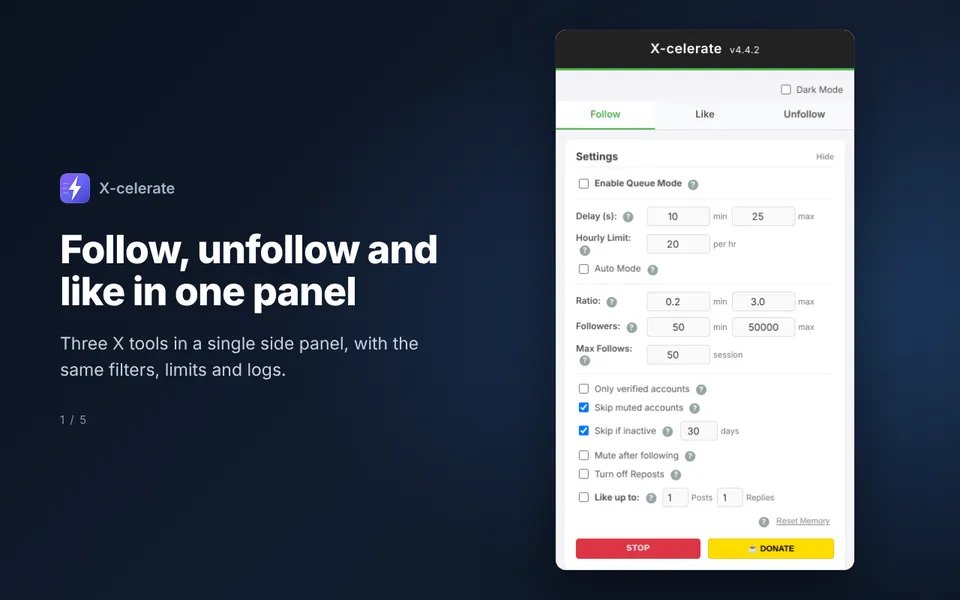
Bulk follow, unfollow and like for X, with human-like pacing, hourly limits and multi-user queues.
View on Chrome Web Store →Chrome extension developer · Australian
I design, build and publish Chrome extensions: automation for repetitive web tasks, side-panel dashboards, page cleaners and blockers. Tell me what you want your browser to do and I'll make it happen, then get it onto the Chrome Web Store.
{
  "manifest_version": 3,
  "name": "Your idea, shipped",
  "version": "1.0",
  "description": "Does the boring bit for you.",
  "permissions": [
    "storage", "sidePanel", "alarms"
  ],
  "side_panel": {
    "default_path": "panel.html"
  },
  "built_by": "Leigh"
}
Every one of these I designed, coded, tested and packaged myself, with store listings and screenshots ready for the Chrome Web Store.
Bulk follow, unfollow and like for X, with human-like pacing, hourly limits and multi-user queues.
View on Chrome Web Store →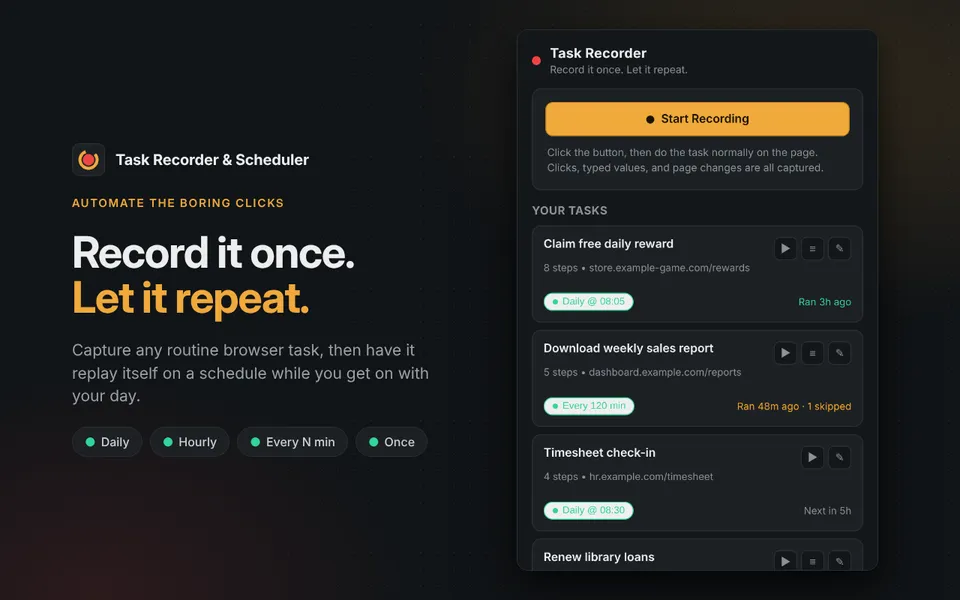
Record a repetitive browser task once, then replay it automatically every day, every hour or on a custom schedule.
View on Chrome Web Store →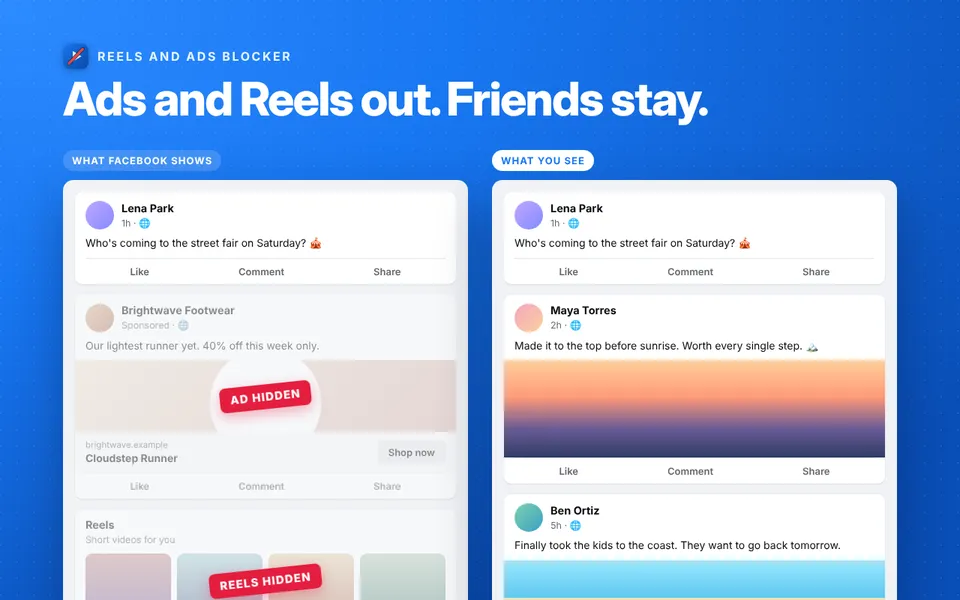
Hides Reels, short videos, ads and suggested posts from the Facebook feed. Runs locally, no account needed.
View on Chrome Web Store →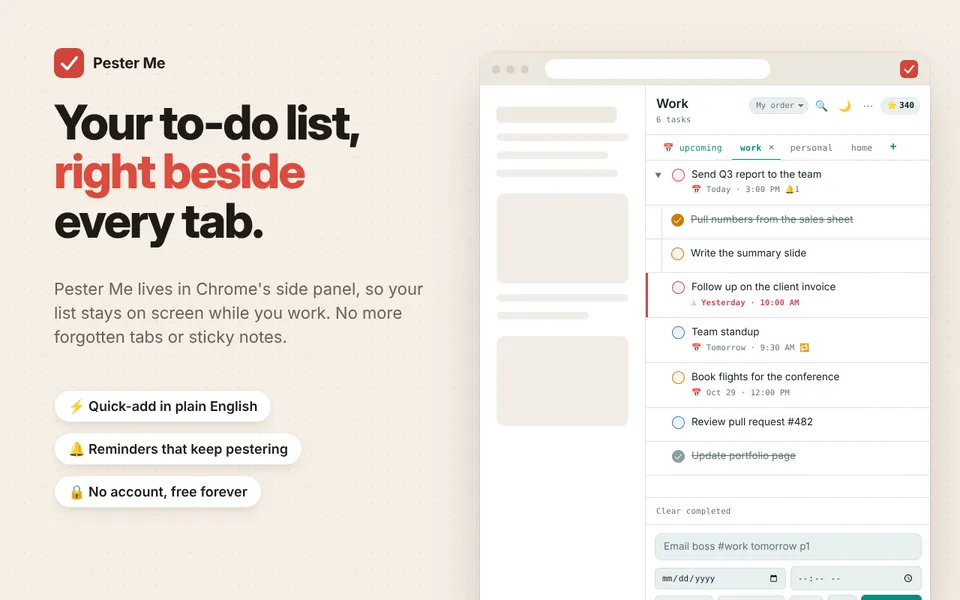
A side-panel to-do list that understands "Email boss #work tomorrow p1" and keeps reminding you until it's done.
View on Chrome Web Store →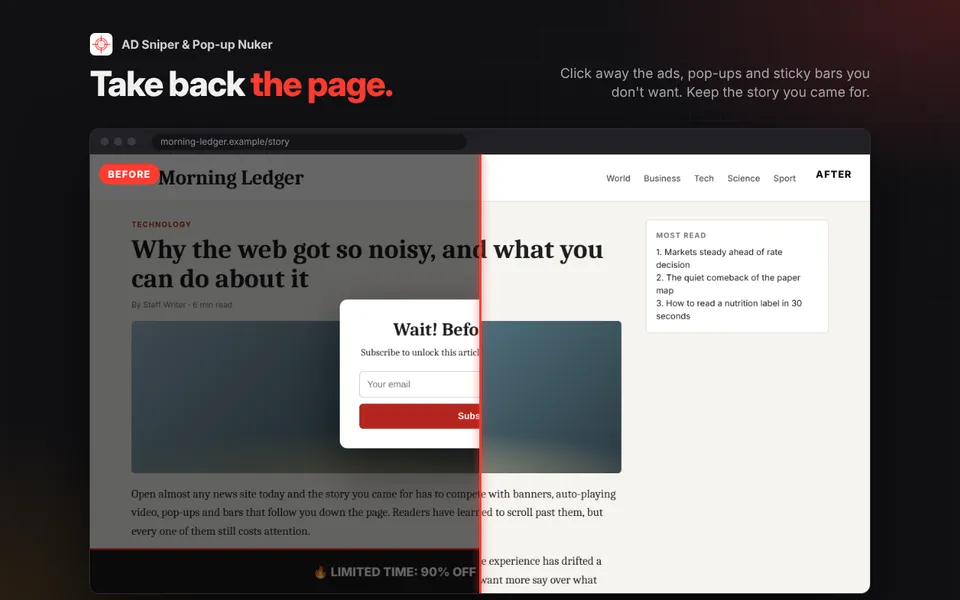
Ad blocker, pop-up blocker and element remover. Click anything annoying on a page to remove it for good.
View on Chrome Web Store →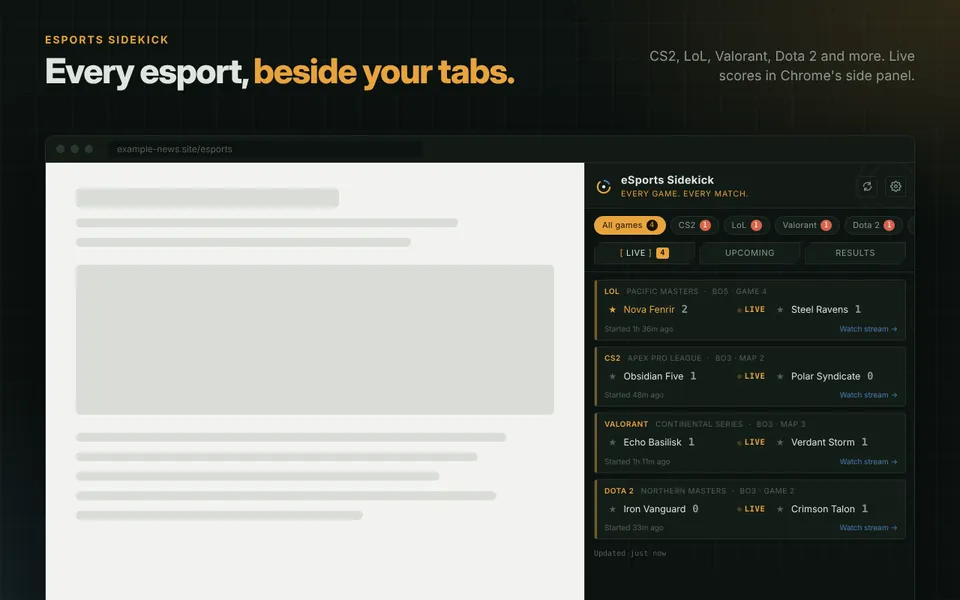
Live scores, results and upcoming matches for CS2, League of Legends, Valorant, Dota 2 and more, right in the browser.
View on Chrome Web Store →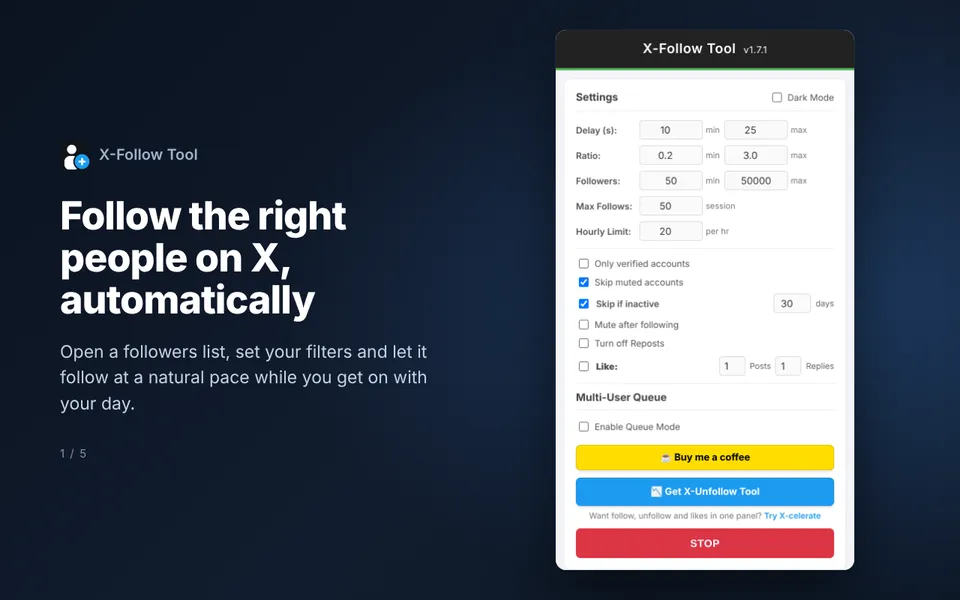
Follow automation for X with strict hourly and total limits, smart filters and a queue drawn from several sources.
View on Chrome Web Store →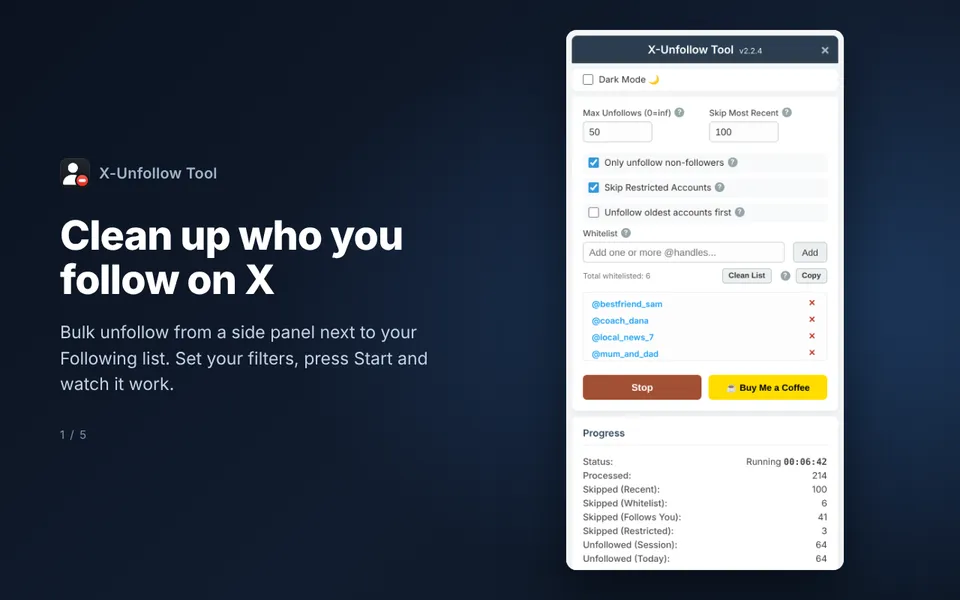
Clear out your X following list fast, skipping people who follow you back and anyone on your whitelist.
View on Chrome Web Store →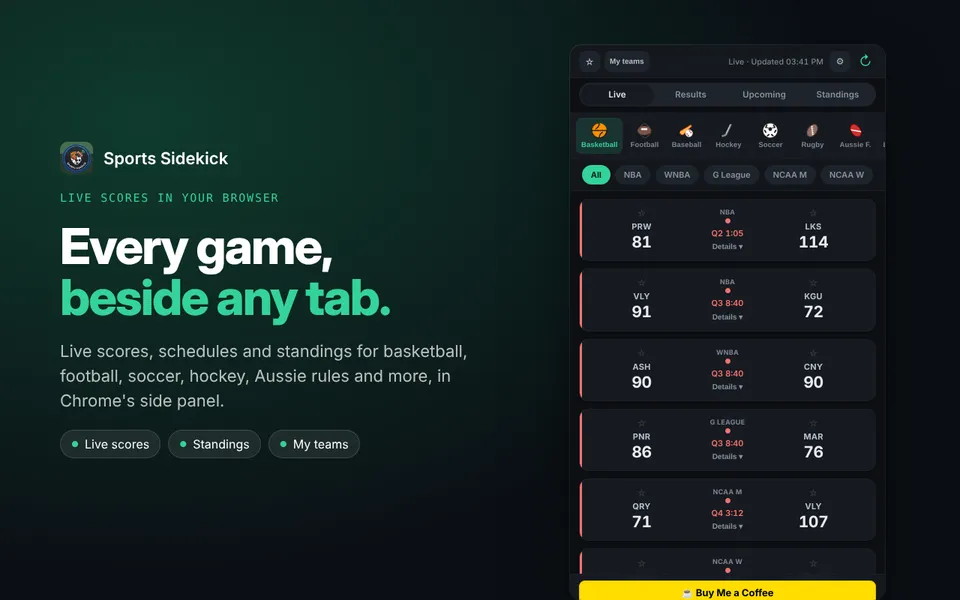
Live scores, schedules and standings for basketball, football, soccer, hockey, Aussie rules and more, in the side panel.
View on Chrome Web Store →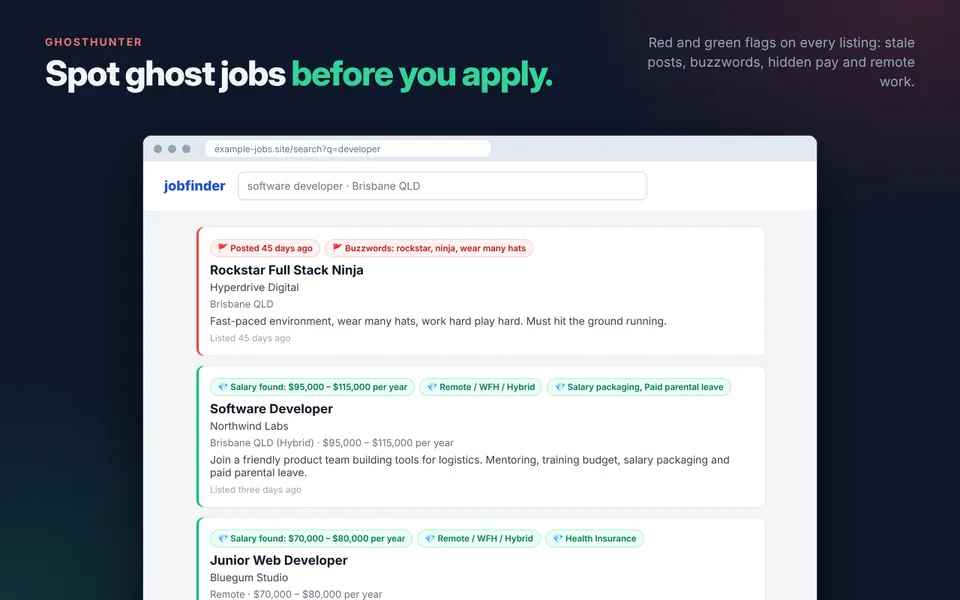
Flags ghost jobs and red-flag job ads on the big job boards, so you don't waste time applying to listings that go nowhere.
View on Chrome Web Store →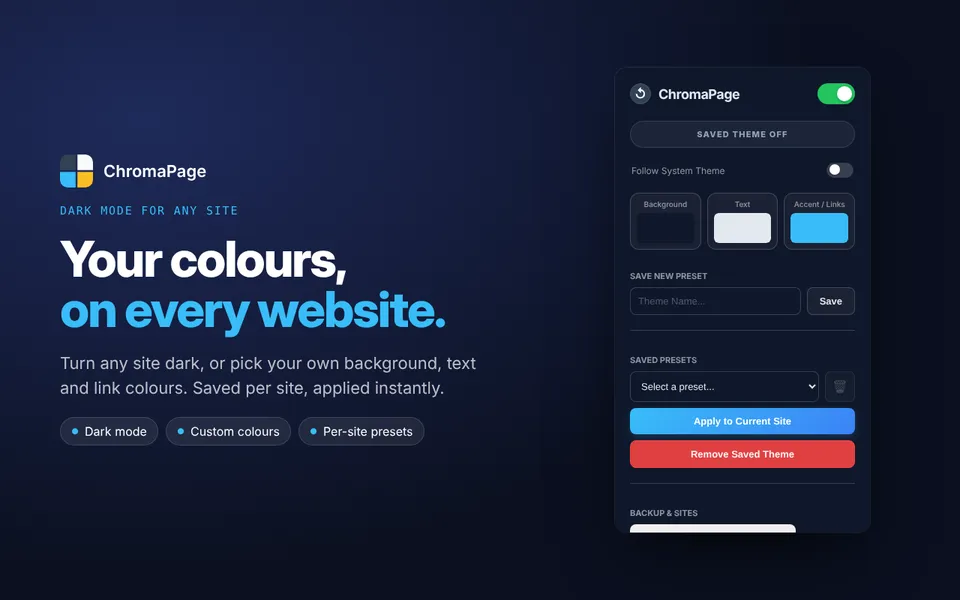
Dark mode or your own background, text and link colours on any website, saved per site.
View on Chrome Web Store →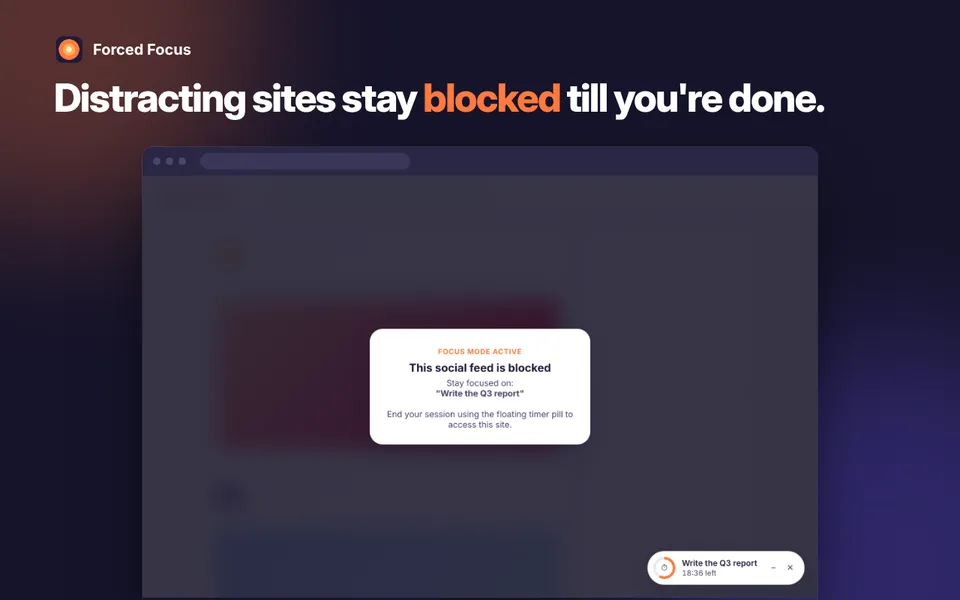
Set a goal and a timer. Distracting sites stay blocked and extra tabs are parked until you're done.
View on Chrome Web Store →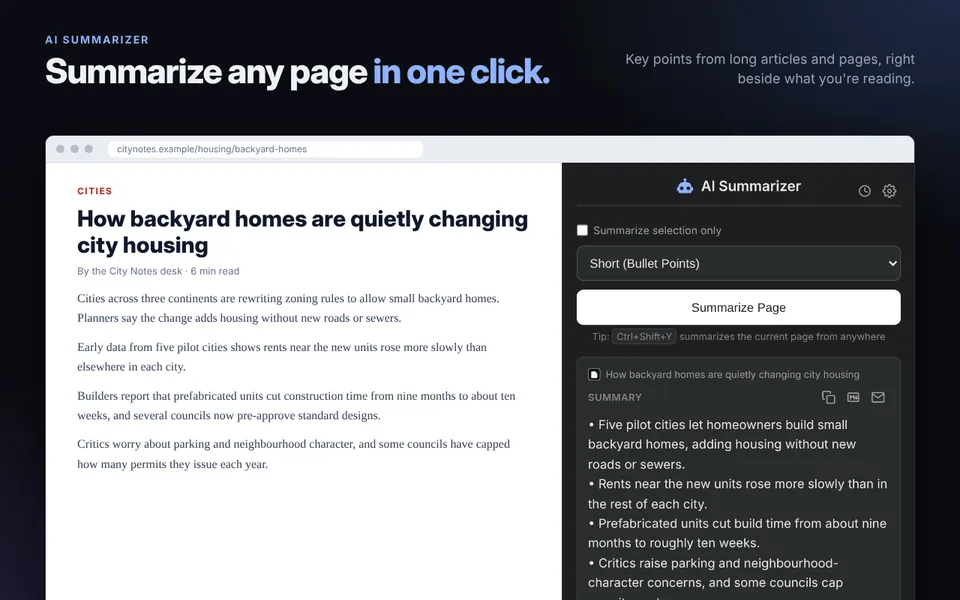
Summarise any web page, article or selection in the side panel, then ask follow-up questions. Runs on your device where Chrome supports it.
View on Chrome Web Store →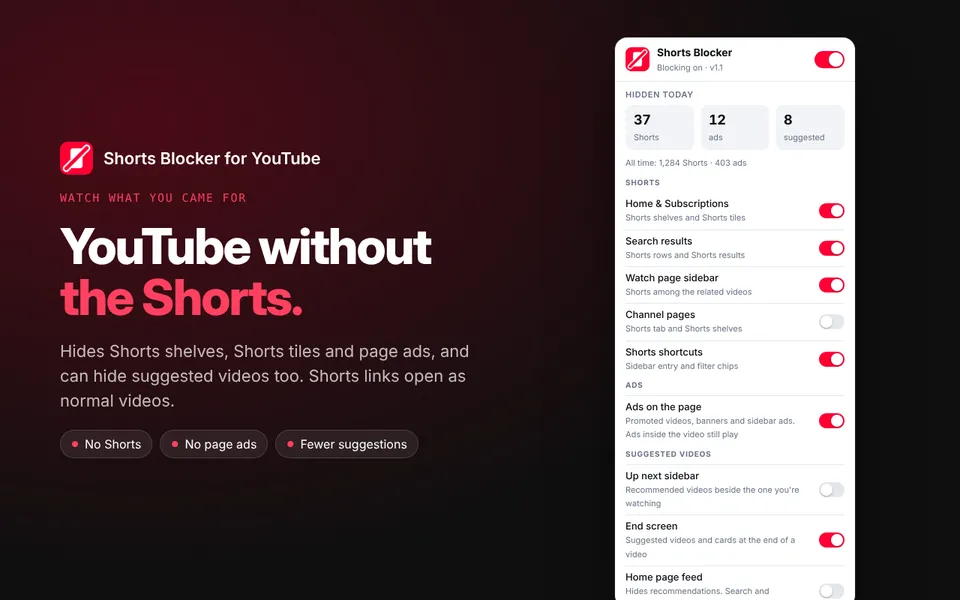
Hides YouTube Shorts and page ads, and can hide suggested videos too. Shorts links open as normal videos.
If you do it in a browser more than twice a week, it can probably be automated or made easier. Here's the kind of work I take on.
Clicking through the same forms, claiming daily rewards, bulk actions on a site. Record it once and let it run on a schedule.
Like: Task Recorder, X-celerate
A panel that sits beside any tab with live data from an API, your to-dos or your team's numbers.
Like: Sports Sidekick, Pester Me
Strip out feeds, ads, pop-ups or anything distracting from the sites you or your staff use every day.
Like: Reels and Ads Blocker, Forced Focus
Read listings, highlight what matters and warn about what doesn't, on job boards, marketplaces or internal tools.
Like: GhostHunter
Broken after a site change, stuck on Manifest V2, rejected by store review? I'll get it working and back on the store.
Includes: bug fixes, MV3 migration, version bumps
Name, description, screenshots, promo tiles and translations, all packaged and submitted for review.
Like: listings in English, Japanese and Chinese
Every job gets a fixed quote before I start, so you know the cost up front. No hourly surprises.
Fix & update
From US$100 · fixed quote per job
Ask about a fixMost popular
From US$500 · fixed quote per job
Get a quoteFull launch
From US$1,000 · fixed quote per job
Get a quoteUse the form below or email me. Tell me what the extension should do and when you need it.
I reply with what I'll build, a price and a delivery date. Nothing starts until you're happy with it.
You load early versions straight into Chrome and tell me what to change while I build.
You get the finished zip and source. If you want it public, I prepare the listing and submit it to the store.
Simple and upfront, so we both know where we stand.
A deposit secures your spot and work begins. The rest is due when the finished extension is ready.
Tune-ups: paid in full upfront
I invoice through Wise, so you pay a normal local transfer in USD, AUD, GBP or EUR. No card fees, no surprises.
Also accepted: PayPal (or Visa and Mastercard via PayPal invoice)
Each job includes three rounds of revisions. Anything new beyond the agreed brief gets its own quote first.
If something in what I built breaks within 14 days of delivery, I fix it free. The full source code is yours once paid.
Tell me what you need and I'll email you back with a fixed price and a delivery date. No obligation.